
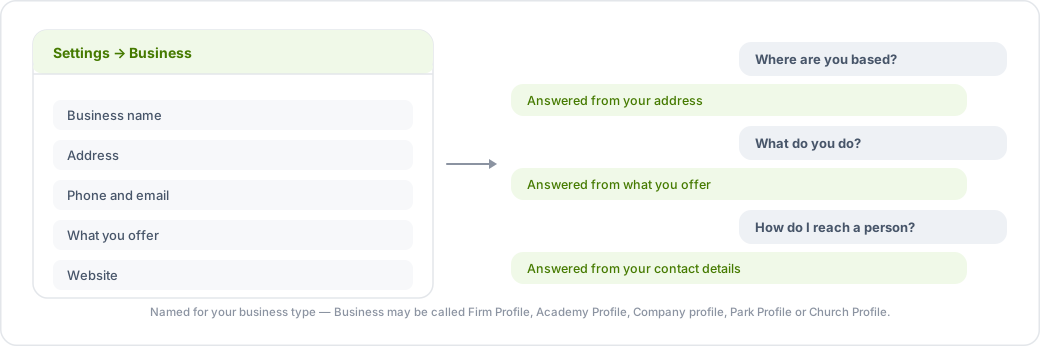
Your business profile is the first place your agent looks when a customer asks a factual question — where you are, how to reach you, what you offer. Get this right before you spend time on instructions or tone.
Where to set it
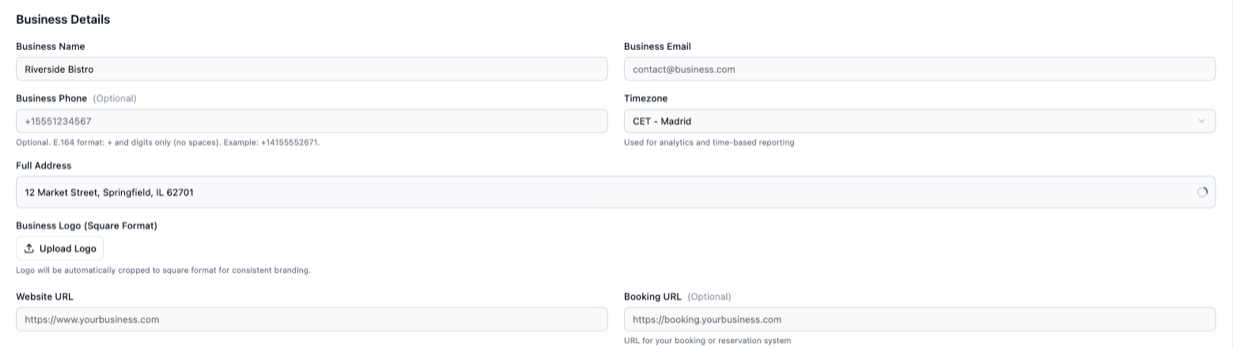
Go to Settings → Business. Fill in as much as applies to you: business name, description, address, phone, email, website and timezone.
Depending on your type of business this section may be called Firm Profile, Academy Profile, Company profile, Park Profile or Church Profile instead of Business. It is the same page.
Why the timezone matters
Your organization's timezone is used in two places that customers notice: bookings are validated against your opening hours in your timezone, and the daily charts on the Analytics page are grouped by it. If your timezone is wrong, a booking at 9am can be rejected as out of hours.
What belongs here, and what belongs in the knowledge base
- Business profile — short, stable facts: name, address, phone, email, timezone.
- Operating Hours — when you are open, including holidays and seasonal changes.
- Knowledge base — everything longer: your services, prices, policies, FAQs, documents and website pages.
Putting a full price list in the business description will not work as well as putting it in the knowledge base, where it is indexed and searchable by the agent.
After you change it
Save, then use Try Chatbot under Settings → AI Tools and ask the agent the question you just fixed. Business details are picked up immediately — you do not need to republish your knowledge base for them.