
What it does
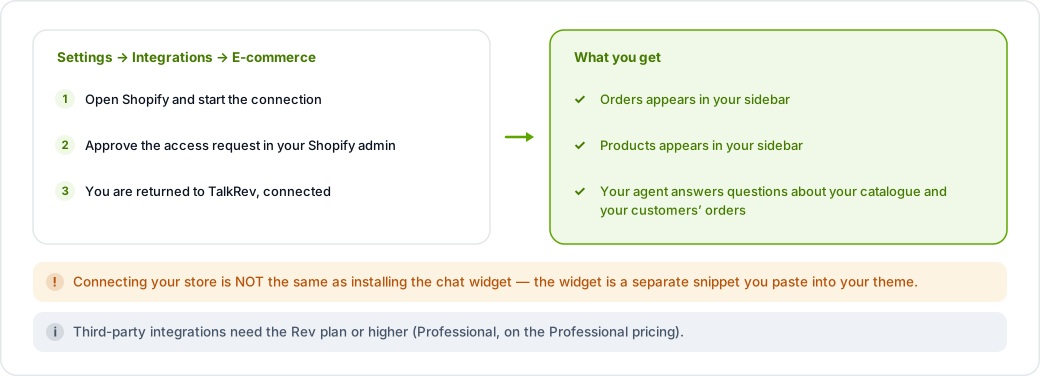
Connecting Shopify adds Orders and Products to your sidebar and lets your agent answer questions about your catalogue and your customers' orders.
Connect it
- Go to Settings → Integrations and find the E-commerce section.
- Open Shopify and start the connection.
- Approve the access request in your Shopify admin.
- You are returned to TalkRev, and Orders and Products appear in the sidebar.
Third-party integrations require the Rev plan or higher (or Professional on the Professional pricing).
This is separate from the chat widget
Connecting your store does not put the chat bubble on your storefront, and installing the widget does not connect your store. They are two different jobs — see Install the chat widget on Shopify for the widget.
If Orders and Products don't appear
Those sections are only shown once Shopify is connected. If you connected it and still don't see them, reload the dashboard first — the sidebar is built from your account's state when the page loads.